






























In today’s digital age, streaming high-definition content has become a staple of our daily entertainment. Whether it’s catching up on the latest series, enjoying a blockbuster movie, or following a live sports event, HD streaming offers a crisp and immersive viewing experience. However, this high-quality streaming comes at a cost—data consumption. For many, managing data usage is crucial to avoid exceeding bandwidth limits and incurring additional charges. This article provides practical strategies to help you reduce data usage while streaming in HD, ensuring you can enjoy your favorite content without compromising your data plan. From adjusting streaming settings to utilizing data-saving features, we’ll explore a range of solutions to help you strike the perfect balance between quality and efficiency.
Optimizing Streaming App Settings for Data Efficiency
For those who love to indulge in high-definition content without exhausting their data allowance, tweaking your streaming app settings can make a significant difference. Adjusting video quality settings is a crucial step. Most streaming platforms offer the option to choose between different video resolutions such as 480p, 720p, and 1080p. Opt for 720p if you want a balance between quality and data usage, as it consumes substantially less data than 1080p while still providing a crisp viewing experience.
- Enable data saver modes: Many apps come with built-in data saver features. Activating this setting can help in reducing data consumption without a drastic compromise on quality.
- Download content for offline viewing: If your app allows, download your favorite shows and movies over Wi-Fi to watch later. This not only saves data but also provides uninterrupted viewing.
- Limit background data usage: Ensure that your streaming app isn’t consuming data in the background. Check your device settings to restrict background data usage for apps.
By implementing these strategies, you can enjoy HD streaming while maintaining control over your data usage, ensuring you get the best of both worlds.
Choosing the Right Streaming Device for Lower Data Consumption
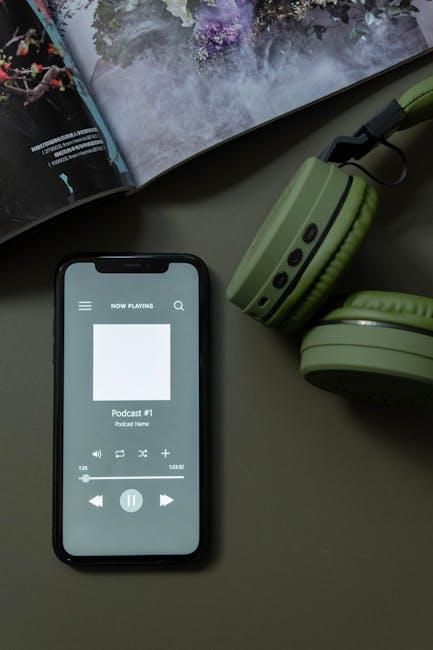
When it comes to minimizing data usage while enjoying your favorite shows in HD, selecting the right streaming device is crucial. Certain devices are more efficient in managing bandwidth, offering features that allow you to control and reduce data consumption. Here are some key factors to consider:
- Resolution Control: Opt for devices that allow you to manually adjust streaming resolution. Lowering the resolution from 1080p to 720p can significantly reduce data usage without a drastic impact on viewing quality.
- Adaptive Streaming: Choose devices with adaptive streaming capabilities. This feature automatically adjusts video quality based on your internet speed, ensuring you use only the necessary amount of data.
- Data Saver Modes: Some streaming devices come with built-in data saver modes. These modes optimize settings to use less data, perfect for those with limited data plans.
By focusing on these features, you can enjoy HD streaming while keeping your data consumption in check. Remember, the right device can make a significant difference in how efficiently you use your data.
Understanding Video Bitrate and Its Impact on Data Usage
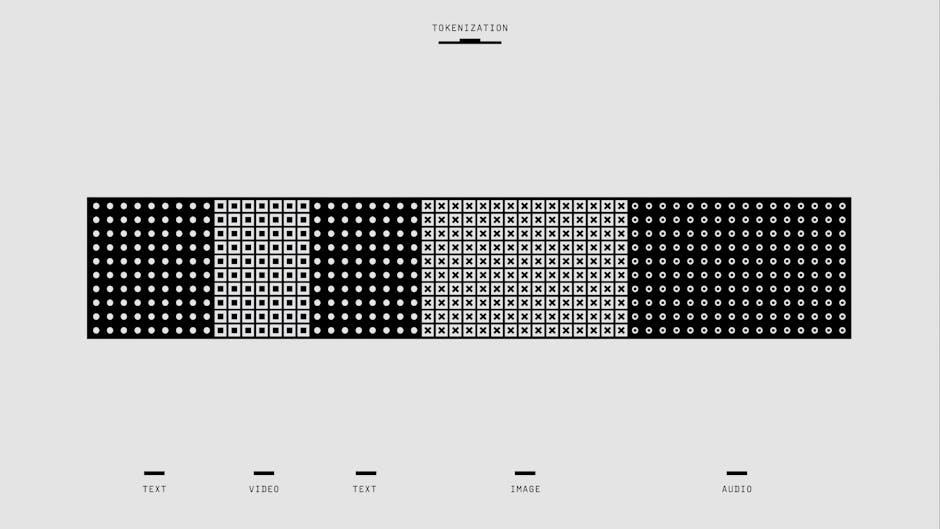
When streaming high-definition content, understanding the role of video bitrate is crucial in managing your data usage. Bitrate refers to the amount of data processed over a given time, typically measured in megabits per second (Mbps). A higher bitrate generally means better video quality, but it also results in higher data consumption. If you’re looking to reduce data usage without sacrificing too much on quality, consider adjusting the bitrate settings on your streaming platform.
- Lower the Resolution: Opt for 720p instead of 1080p to cut down on data usage while still enjoying a good viewing experience.
- Adjust Bitrate Settings: Many streaming services allow you to manually adjust the bitrate. Lowering it can significantly reduce data consumption.
- Enable Data Saver Modes: Some platforms offer data saver options that automatically adjust the bitrate based on your internet speed and data limits.
- Use Adaptive Streaming: This technology adjusts the video quality in real-time according to your connection speed, balancing quality and data usage efficiently.
By taking these steps, you can enjoy your favorite HD content without worrying about excessive data usage, all while maintaining a satisfactory viewing experience.

Leveraging Offline Downloads to Minimize Streaming Data
To significantly cut down on data usage while enjoying high-definition content, one effective strategy is to take advantage of offline downloads. Many streaming services offer the option to download your favorite shows and movies directly to your device. This approach allows you to watch content without needing a continuous internet connection, which is particularly useful when you’re on the go or have a limited data plan. By downloading content over Wi-Fi, you can save your mobile data for when you truly need it.
- Plan Ahead: Schedule downloads during off-peak hours or when you have access to a stable Wi-Fi connection.
- Optimize Settings: Adjust download settings to choose the quality that best suits your storage capacity and viewing preferences.
- Manage Downloads: Regularly delete watched content to free up space for new downloads, ensuring you have the latest episodes ready for offline viewing.
Implementing these strategies not only conserves data but also provides a smoother, buffer-free viewing experience. Embrace offline downloads to make the most of your streaming subscriptions without the constant worry of exceeding your data limits.